







 Shop the gift



How to Build a Shopify Store With AI in Under 5 Minutes
A step-by-step process to go from an idea or a reference URL to a live, brand-true Shopify store, without a designer or developer.
To build a Shopify store with AI, point an AI store builder at a reference URL or type a short brand brief, let it capture the brand and generate your pages, ship it as a fast headless storefront, review the copy and images, then publish and go live. The first draft takes minutes.
Quick answer
- Give an AI store builder a source: a URL to learn from, or a written description of your brand.
- It captures the brand, then generates your home, product, and collection pages automatically.
- Ship it as a fast headless storefront, review, and publish.
- Your Shopify checkout, orders, and data stay in Shopify.
- Then turn on optimization so the store keeps improving after launch.
What you need before you start
You do not need much. Have these ready and the whole thing moves fast.
- A Shopify account. Even a trial works to preview. The AI builder runs on top of Shopify.
- A source. Either a reference URL (a brand you like, a competitor, or your own current store) or a short written brief.
- Your products. At least a few, with images and prices. AI can lay them out beautifully, but it cannot invent your catalog.
If you are still deciding whether AI is the right route at all, start with the complete Shopify AI store builder guide.
How to build a Shopify store with AI: the 6 steps
Here is the full process. With a clear source and a ready catalog, the first live draft takes minutes, not weeks.
Step 1: Choose your starting point
Decide how the AI should learn your brand. You have two options:
- From a URL. Paste a link to a site whose structure and feel you want. The builder reads its sections, layout, colors, type, and voice.
- From a brief. Describe the brand in a few sentences: what you sell, who it is for, the mood you want.
The URL route is faster and more accurate because the AI has something concrete to match. If you already have a store, point it at yourself to rebuild and modernize.
Step 2: Let the AI capture the brand
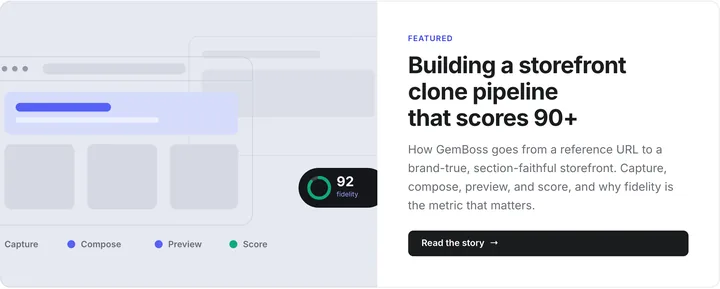
The builder now does the Capture step: it turns your source into a brand profile, the reusable understanding of your structure, sections, and voice. This is what makes the output look like your brand instead of a generic template.
You do not do anything here except wait a few moments. Good tools show you what they captured so you can confirm it feels right.
Step 3: Generate the storefront
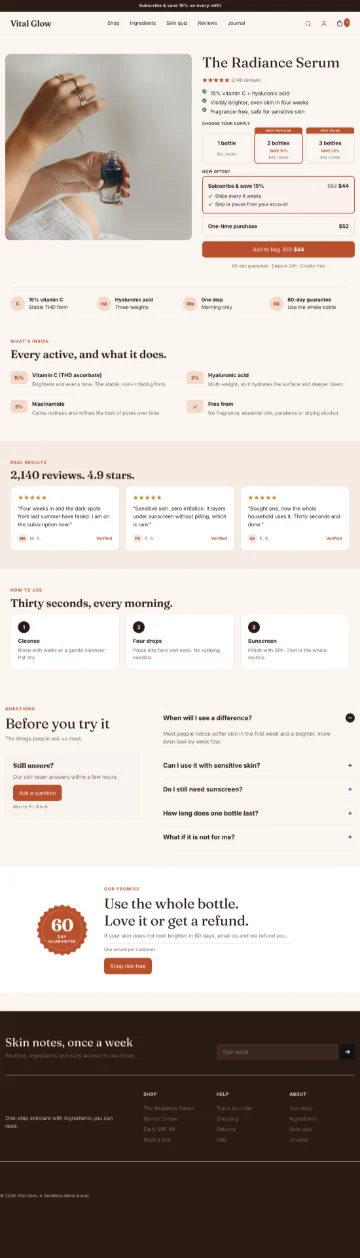
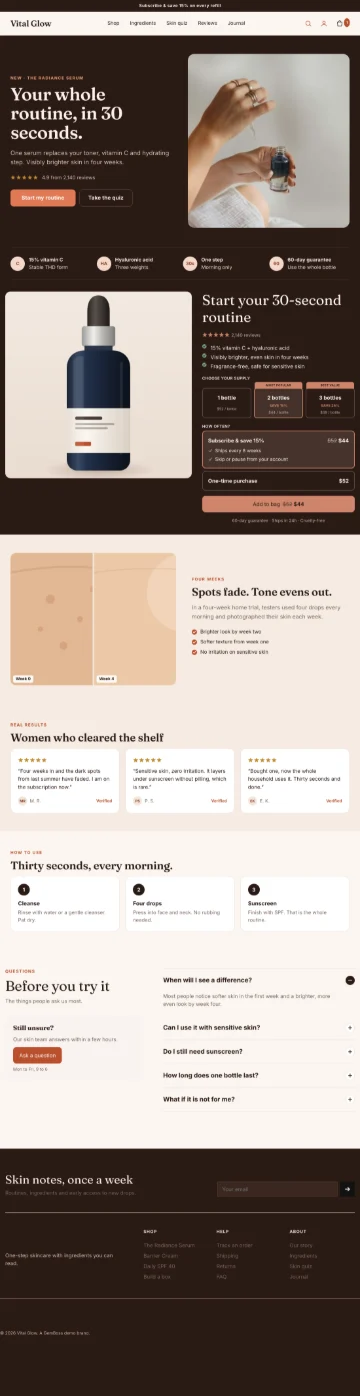
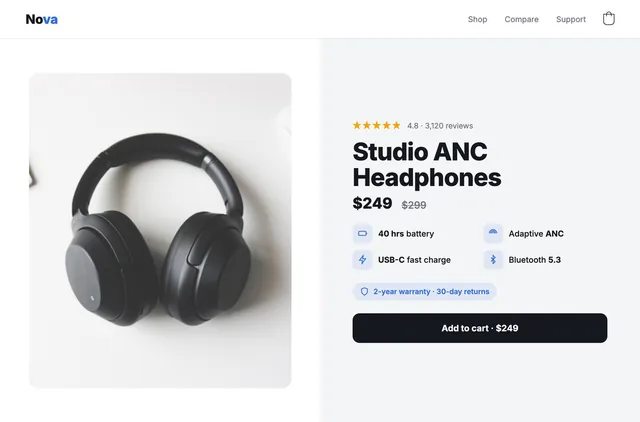
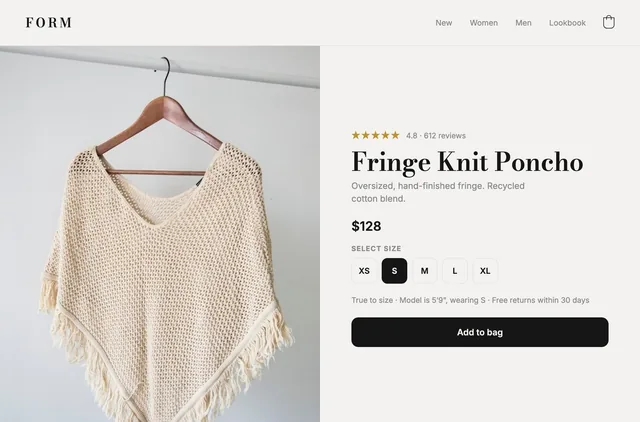
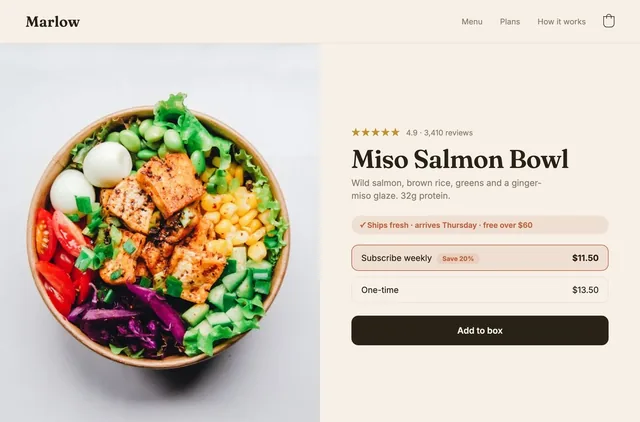
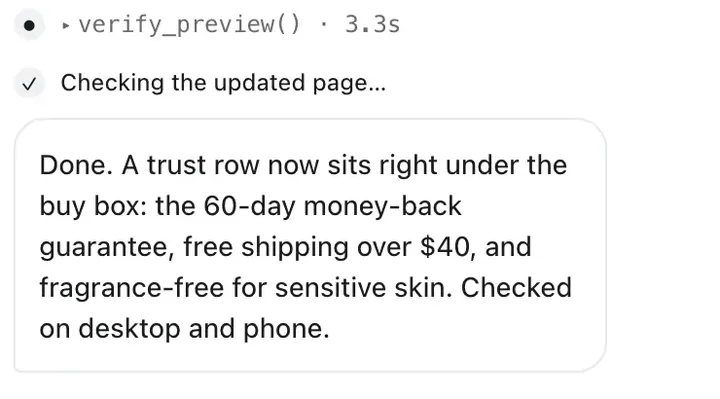
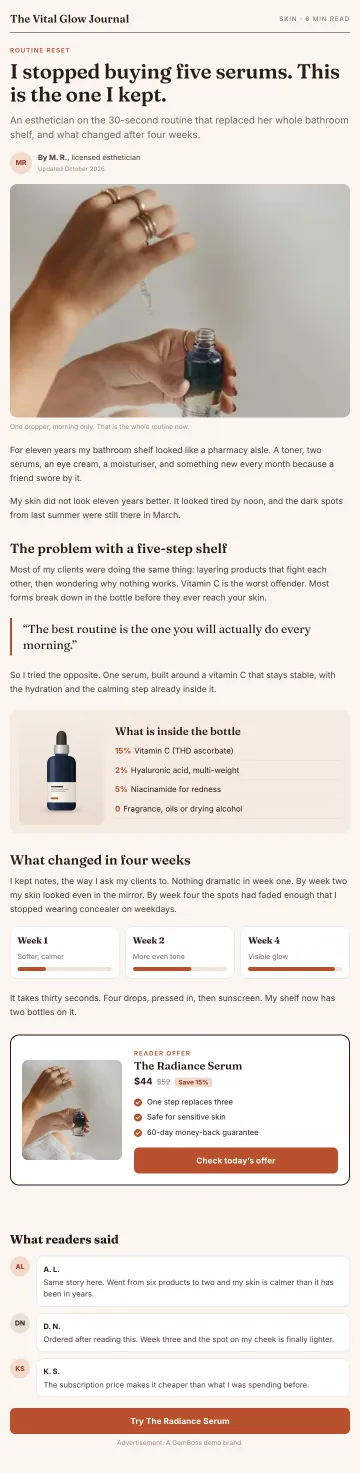
Next, the AI composes the store: home page, product pages, collection pages, and any landing pages or funnels you asked for. Strong builders score their own work. GemBoss shows you a preview of the whole store before anything goes live, so you are not guessing.
Look at the pages that make you money first. A pretty home page is easy; the test is whether the product and collection pages look live and ready to sell.
Step 4: Ship it as a fast headless storefront
Now pick how the store ships. Speed is a conversion lever, so headless is the output that wins for most stores:
- Headless storefront: a separate, fast front end, with Shopify still running checkout and orders.
- Runs on your Shopify: catalog, checkout and apps stay put, so there is nothing to migrate and no lock-in.
There should be no lock-in. You own the result either way.
Step 5: Review, edit, and add your truth
This is the step you should not rush. The AI gives you a strong draft; you make it true.
- Rewrite headlines and product framing on your highest-stakes pages.
- Swap in your real photography. AI can arrange images perfectly, but it cannot shoot your product.
- Check your offer and pricing. AI cannot invent a reason to buy; that is your job.
Most tools let you edit visually, no code. If you want a deeper look at what AI does and does not handle here, read can AI really build a Shopify store that sells.
Step 6: Publish
Hit publish, and the store goes live at its GemBoss address (connecting your own domain is not available yet). Because the builder runs on top of Shopify, your checkout, payments, and order flow are already wired. Customers buy through Shopify exactly as they would on any Shopify store.
You now have a live store. But launch is day one, not the finish line.
After launch: turn on optimization
The step that separates a 2026 store from a 2020 one is what happens after you publish. Traffic is expensive, and a store that never improves wastes every visitor it fails to convert.
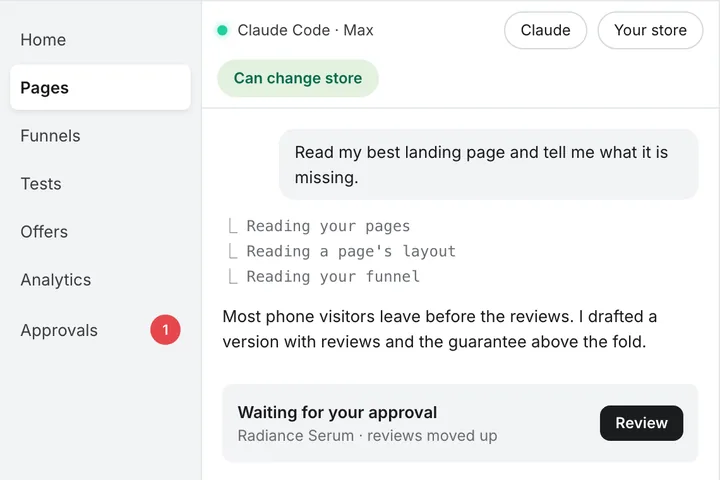
The best AI builders keep running A/B experiments and conversion work after launch, with a human approval gate. You approve every change in the dashboard, and nothing ships without your yes.
Turn this on. It is the difference between a store that sits there and a storefront that sells for you. See how it works in self-driving conversion optimization, or explore GemBoss's A/B experiments engine.
How long does it really take?
The honest breakdown:
| Phase | Time |
|---|---|
| Capture the brand | Under a minute |
| Generate the storefront | A few minutes |
| Review and edit your key pages | 15–60 minutes (your call) |
| Publish | A few minutes |
The AI part is minutes. The part that takes real time is your judgment: the copy polish, the real photos, the offer. That is exactly as it should be, because that is the part only you can do.
Common mistakes to avoid
- Publishing the first draft as-is. The AI draft is a starting point. Add your product truth before you send traffic.
- Skipping the product pages. A beautiful home page does not sell. Check the pages where people actually buy.
- Ignoring speed. If your builder offers a headless option and speed matters, use it.
- Stopping at launch. The store improves only if you turn on optimization. Do not leave that off.
- Fighting lock-in. If a tool will not let you export or own your store, that is a reason to pick a different one. Compare options in the best Shopify AI store builders roundup.
Frequently asked questions
Can I really build a Shopify store with AI in under 5 minutes?
The first live draft, yes. The AI captures your brand and generates the pages in minutes. What takes longer is your own review: polishing copy, adding real product photos, and confirming your offer. Budget a few minutes for the AI and up to an hour for your judgment before you send real traffic.
Do I need to know how to code to build a store with AI?
No. AI store builders are made for founders and operators, not developers. You give a URL or a brief, review the result, and edit visually with no code. If you later want custom engineering, you can add it, but it is not required to launch a real, working store.
Will an AI-built store work with my Shopify checkout?
Yes. AI store builders run on top of Shopify, so your checkout, payments, inventory, and orders stay in Shopify unchanged. The builder generates and optimizes the storefront only. Customers buy through the same Shopify checkout they would on any Shopify store, and you keep your data.
What do I still have to do myself?
You provide the products, the offer, the pricing, and the final copy and photo polish on your key pages. AI handles layout, structure, first-draft copy, and post-launch testing. Think of the AI as a fast, tireless builder and yourself as the brand owner making the calls that need real judgment.
Is building with AI cheaper than hiring someone?
Usually, by a wide margin. AI builder plans run from free to around $500 a month, while a freelance or agency build starts in the thousands and stops when the invoice is paid. The [AI store builder vs agency comparison](/blog/ai-store-builder-vs-agency) breaks down cost, speed, and quality in detail. Want to try it on your own brand? [Build a store with GemBoss](/product) from a single URL, then let it keep optimizing after you launch.
See a store built on your brand
Bring a store you admire or describe your brand. GemBoss captures it, ships a brand-true storefront, and keeps optimizing after launch.
Request a demo →Want this every morning? GemNews puts a Shopify and AI briefing in every new tab, free.