







 Shop the gift



Shopify AI Store Builder: The Complete 2026 Guide
Everything a founder needs to understand, evaluate, and use an AI store builder for Shopify in 2026.
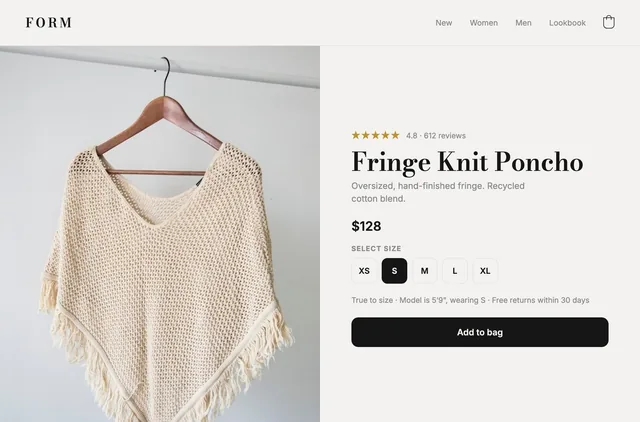
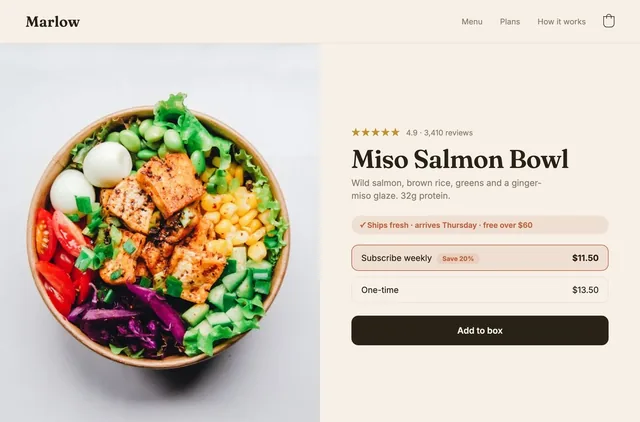
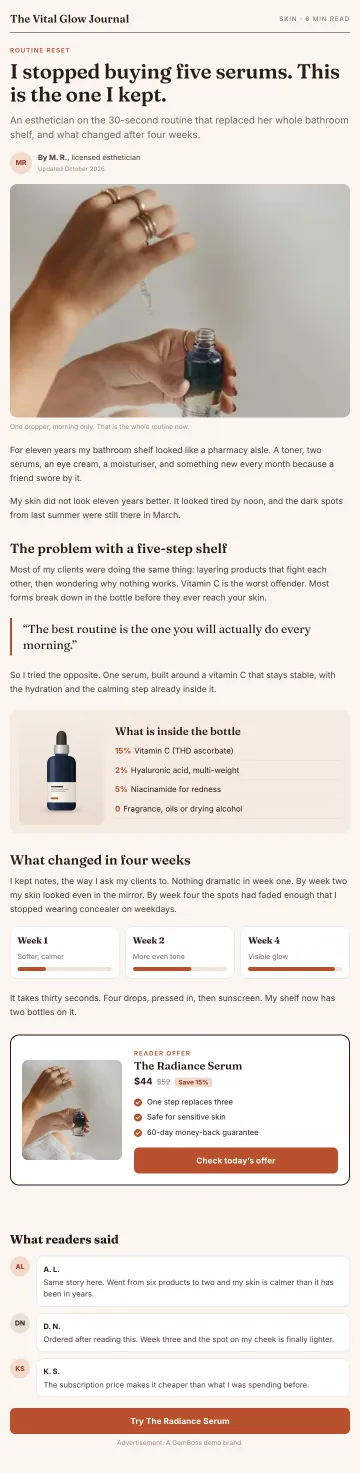
A Shopify AI store builder is software that turns a URL or a short brief into a working, brand-true Shopify storefront in minutes instead of weeks. You point it at an example site or describe your brand, and it generates the pages, sections, copy, and layout. The best tools go further and keep optimizing the store after launch, so it sells better over time.
Quick answer
- An AI store builder generates a full Shopify storefront (pages, sections, copy, layout) from a URL or a written brief, in minutes.
- It runs on top of your own Shopify. Checkout, orders, and customer data stay in Shopify. You keep your data.
- The cheap ones stop at launch. The strong ones keep testing and improving conversion after you go live.
- Best fit: DTC founders and small teams who want a real store fast without hiring a developer or an agency.
What is a Shopify AI store builder?
A Shopify AI store builder is a tool that designs and assembles a storefront for you using AI, rather than making you drag every block into place by hand. You give it a starting point, either a website to learn from or a description of your brand, and it produces a store that matches your look, voice, and structure.
It is not a replacement for Shopify. It sits on top of Shopify. Your products, inventory, checkout, payments, and customer records all live in Shopify exactly as before. The AI builder handles the part Shopify leaves to you: the storefront design and the ongoing work of making it convert.
Think of it in three jobs:
- Design: build the home page, product pages, collection pages, and landing pages.
- Copy and structure: write headings, product framing, and section order that fit your niche.
- Optimization: after launch, test variants and improve the pages that matter.
Most tools do the first two. The differentiator in 2026 is the third.
How does an AI store builder actually work?
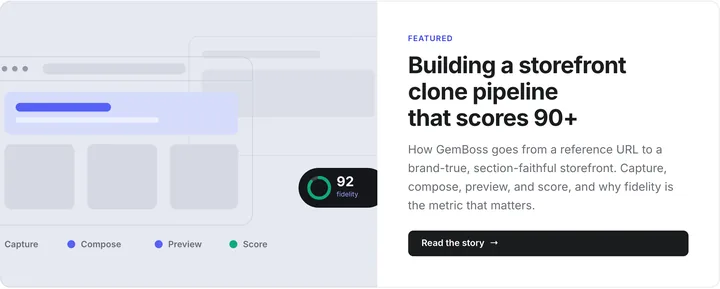
Under the hood, a modern builder runs a loop. At GemBoss we describe it in three steps (learn the brand, build, operate), and it is a useful frame for evaluating any tool, not just ours.
Learn the brand
You give the builder a source. That can be a competitor you admire, an inspiration site, your own existing store, or a written description of the brand. The tool reads the structure, the sections, the color and type choices, and the voice, then turns that into a reusable brand profile.
This is what separates an AI builder from a template picker. A template gives you the same skeleton everyone else uses. Learning the brand gives you a store shaped like your brand from the first draft.
Build the store
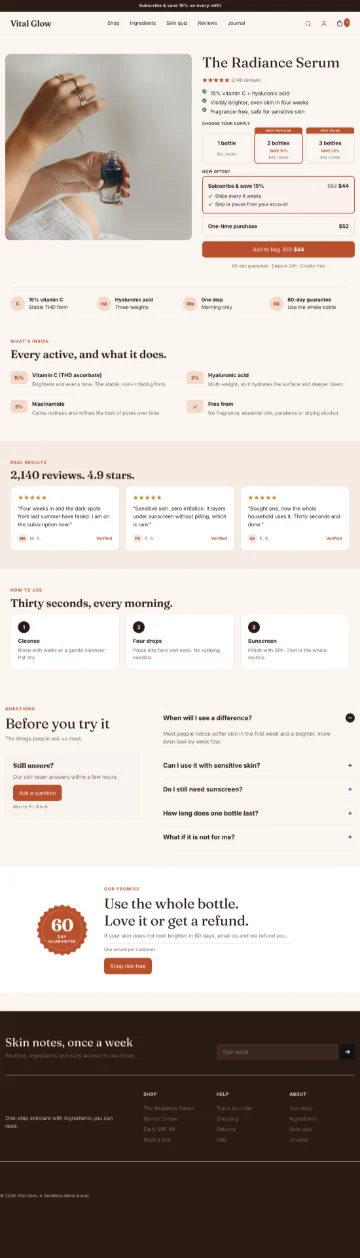
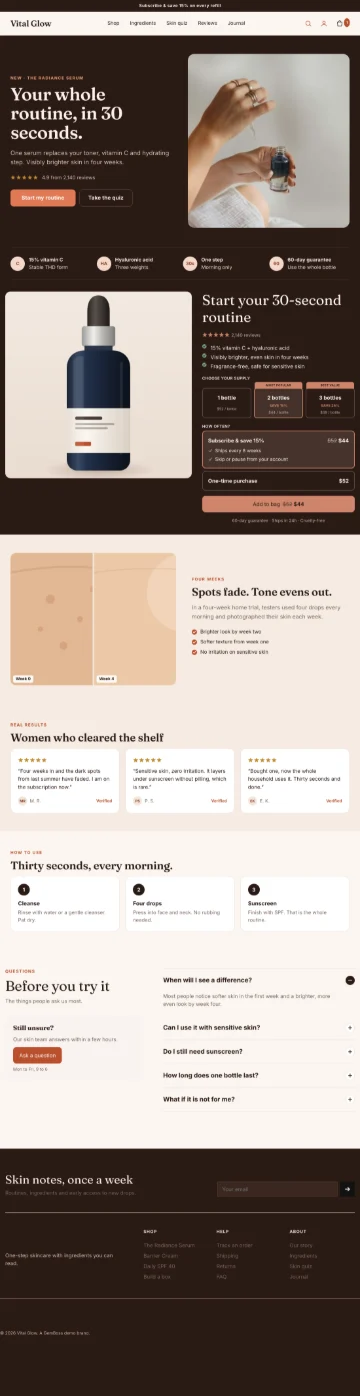
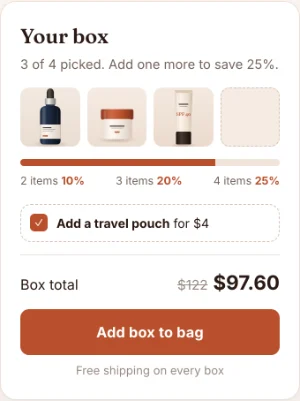
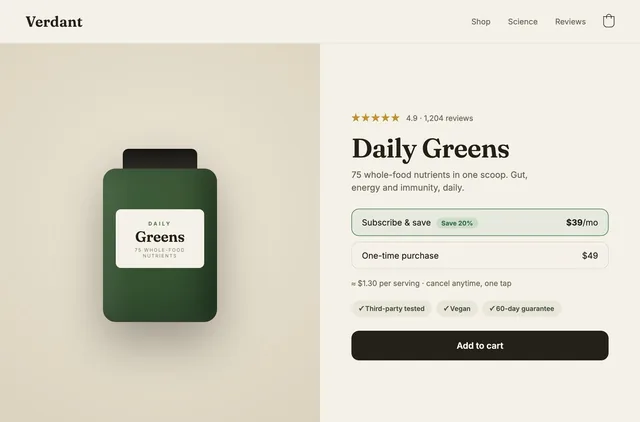
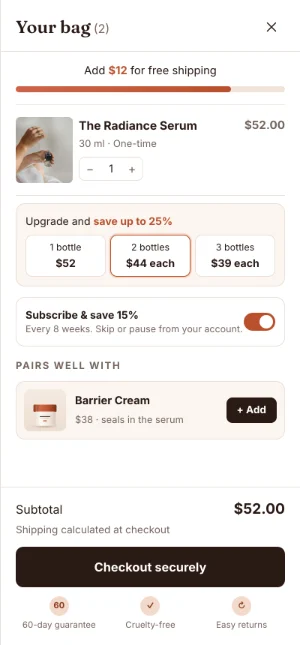
Next it composes the storefront: home page, product pages, collections, and any landing pages or funnels you need. Good builders show you a preview of the whole store before anything goes live, so you can judge whether the result is "on brand."
GemBoss publishes what it composes as a headless storefront: a fast front end, with Shopify still running catalog, cart, and checkout.
The point is no lock-in. The storefront sits on an open framework you can take with you, not a proprietary runtime.
Operate: keep selling after launch
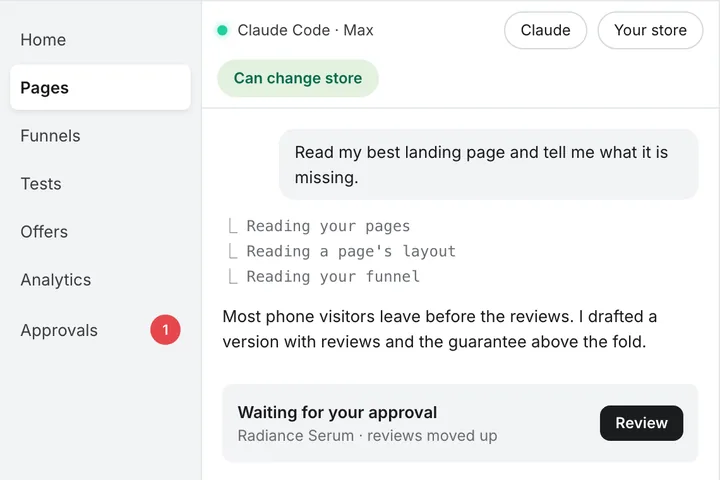
This is the step most tools skip. A launched store is a starting line, not a finish line. The strongest builders keep running A/B experiments and conversion work after you go live, and they bring every change to a human approval gate.
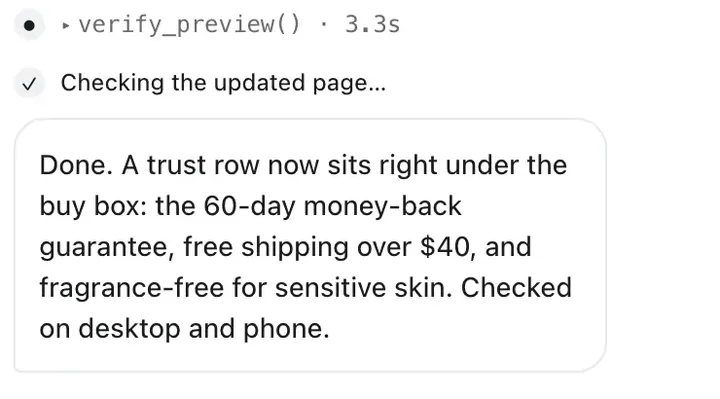
That gate matters. The tool proposes the experiment, builds and stages the variant, and measures the result, but a person approves each launch and each winner before shoppers see it. You approve every change in the dashboard. Read more in our guide to self-driving conversion optimization.
What can an AI store builder do (and not do)?
Being honest about the edges is the fastest way to set expectations.
It does well:
- Generate a complete, brand-true storefront fast.
- Match a specific look and voice from a reference.
- Write serviceable first-draft copy for standard DTC pages.
- Rebuild or restructure an existing store without starting from a blank page.
- Run ongoing tests so the store improves after launch.
It still needs you for:
- Your actual product, offer, and pricing decisions. AI cannot invent a reason to buy.
- Brand judgment calls and final copy polish on your highest-stakes pages.
- Real photography and product truth. AI can lay out great images; it cannot shoot your product.
- Strategy: which markets, which hero product, which promise. That is your job.
For the full myth-busting version of this, see can AI really build a Shopify store that sells.
Who should use an AI store builder?
An AI store builder is a strong fit if you are:
- A DTC founder launching a first store and you want it to look established, not homemade.
- A small team without a full-time designer or developer.
- An operator relaunching or rebranding and you need speed.
- A agency or freelancer who wants to ship client stores faster.
It is a weaker fit if you have highly custom, engineered requirements (a bespoke configurator, unusual checkout logic) that need a dedicated dev team. Even then, an AI builder can do 80% of the storefront and leave the custom 20% to engineering.
Lead niches where these tools shine: beauty and skincare, wellness and supplements, fashion and apparel, and home, decor, and food. These are visual, conversion-sensitive categories where a fast, well-structured storefront pays off quickly.
How much does a Shopify AI store builder cost?
Pricing varies, but most tools sit in a few tiers: a free plan to try it, a mid plan for a serious store, and a done-for-you tier where a team runs it for you. Here is how GemBoss is priced, as a reference point:
| Plan | Price / mo | Best for |
|---|---|---|
| Starter to Scale | $49 to $399, by funnel sessions (10,000 to 200,000) | Funnels you run yourself |
| Storefront add-on | +$99 on Growth ($149) or Scale ($399) | A full headless store you run yourself |
| Managed | From $690 | Done-for-you: an operator builds and tests your funnels |
Enterprise starts at $999 a month, every self-serve plan has a 14-day free trial, and annual billing is 20% cheaper. Compare that to the alternative of hiring out the work: a freelance build or an agency retainer usually runs into the thousands, and it stops when the invoice is paid. We break down that trade-off in AI store builder vs hiring an agency.
AI store builder vs the alternatives
You have three broad ways to get a Shopify store built. Here is the honest comparison.
| Approach | Time to launch | Typical cost | Keeps improving after launch? | Needs a developer? |
|---|---|---|---|---|
| AI store builder | Minutes to a day | A subscription, tens to a few hundred dollars | Yes, if it keeps testing after launch | No |
| DIY with a theme + page builder | Days to weeks | $0–$300 / mo in apps | Only if you do it manually | No |
| Freelancer or agency | Weeks to months | $2,000–$50,000+ | Only with a paid retainer | Handled for you |
An AI builder wins on speed and on ongoing optimization. An agency wins when you need heavy custom engineering and hands-on account management. DIY wins on control if you enjoy the work and have the time.
What to look for in a Shopify AI store builder
Not all AI builders are equal. Use this checklist when you evaluate one.
- Brand-true, not just templates. Can it capture a real brand from a URL, or does it only fill in a template? Ask whether it scores its own output for quality.
- Output you can leave with. Is the storefront built on an open framework you can keep, or trapped in a proprietary runtime you can never export? Lock-in is a red flag.
- Data ownership. Confirm your domain, your data, and your Shopify checkout stay yours. You should be able to leave with your store intact.
- Real, current pages. Does it build product and collection pages that look live, or just a pretty home page?
- Post-launch optimization. Does it stop at launch, or does it keep running experiments? This is the single biggest 2026 differentiator.
- A human approval gate. Automation without approval is risky on a live store. Look for a tool where every change waits for your yes.
- Heritage and trust. Who built it, and what have they shipped? GemBoss, for example, is built by the team behind GemPages.
For a ranked, tested rundown of the field, see the 7 best Shopify AI store builders in 2026.
How to build a store with AI, step by step
The process is short. Here is the full path, start to launch.
- Pick a source. Choose a reference URL (a brand you admire, or your own site) or write a short brief describing your brand.
- Capture the brand. Let the builder read the structure, sections, colors, type, and voice.
- Generate the store. It composes the home, product, and collection pages. Check the preview of the whole store.
- Publish the storefront. It goes live as a headless storefront built for speed, with Shopify still handling catalog, cart, and checkout.
- Review and edit. Fix the copy and images on your key pages. This is where your brand judgment matters.
- Publish and go live. Your Shopify checkout and orders are already wired.
- Turn on optimization. Approve the first experiment and let it start testing what converts.
The detailed, timed walkthrough lives in how to build a Shopify store with AI in under 5 minutes.
The 2026 shift: builders that keep selling
For years, "store builder" meant "gets you to launch." That bar is now too low. Traffic is expensive, and a store that never improves quietly wastes every visitor it fails to convert.
The meaningful change in 2026 is that the best tools treat launch as day one, not the finish line. They watch the store, propose experiments, and, with your approval, keep tuning the pages that make you money. A storefront should sell for you, not just sit there.
That is the wedge GemBoss is built on. Building gets you a great store fast. Testing and operating it, with your approval on every change, is what keeps it earning after the launch buzz fades. Most builders stop at the build. If you only remember one thing from this guide, remember to ask: does this tool keep working after I go live?
Frequently asked questions
What is a Shopify AI store builder?
It is software that generates a complete Shopify storefront from a URL or a written brief, using AI to design pages, write copy, and structure the store. It runs on top of your own Shopify, so checkout, orders, and customer data stay in Shopify while the tool handles storefront design and optimization.
Is an AI-built Shopify store good enough for a real brand?
Yes, for most DTC brands. Modern builders capture your brand from a reference and generate live product and collection pages, not just a home page. You still bring the product, offer, and final copy polish. The AI handles speed, structure, and ongoing testing so the store improves after launch.
Do I still need Shopify if I use an AI store builder?
Yes. An AI store builder is a layer on top of Shopify, not a replacement. Shopify runs your checkout, payments, inventory, and orders. The builder generates and optimizes the storefront. You keep your Shopify plan and full ownership of your data.
How much does a Shopify AI store builder cost?
Plans commonly range from a free tier to a few hundred dollars a month, and done-for-you service costs more. GemBoss runs from $49 a month (Starter) to $399 (Scale), with the headless storefront as a $99-a-month add-on on Growth and Scale, Managed from $690 a month, a 14-day free trial, and 20% off on annual billing. That is far below a typical freelance or agency build, which starts in the thousands.
Can AI keep optimizing my store after it launches?
The best tools can. Instead of stopping at launch, they run A/B experiments and conversion work with a human approval gate. The tool proposes and tests changes, and you approve each one in the dashboard. This is the main thing that separates 2026 builders from older ones. Ready to see it work on your own brand? [Start with GemBoss](/product) and generate a brand-true store from a single URL, then let it keep optimizing after you launch.
See a store built on your brand
Bring a store you admire or describe your brand. GemBoss captures it, ships a brand-true storefront, and keeps optimizing after launch.
Request a demo →Want this every morning? GemNews puts a Shopify and AI briefing in every new tab, free.