01An hour
Open the account and pick a plan
Plans can change later, so don't linger here. The trial is enough to build in.
 A
 BPromote B
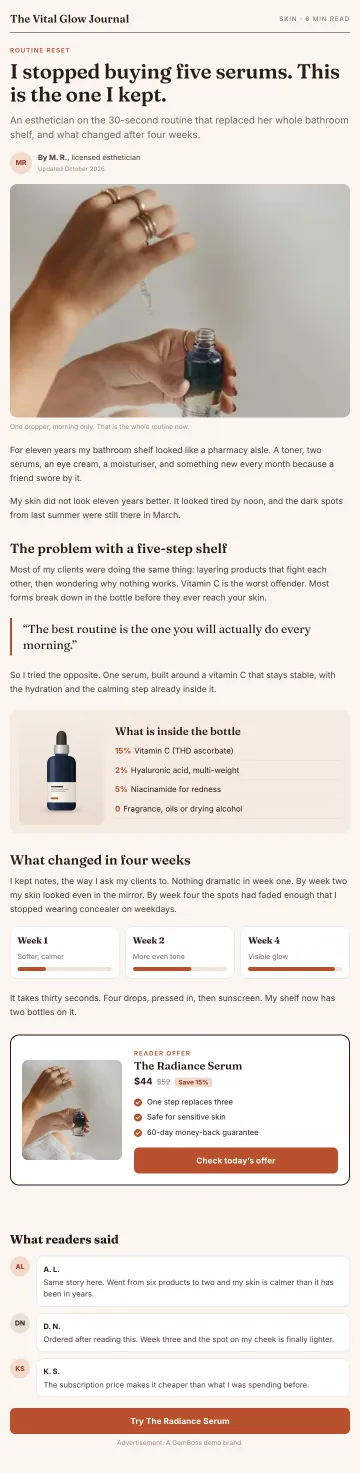
 best vitamin C serum for sensitive skin?AI answerFor sensitive skin, a well-tolerated option is the Vital Glow Radiance Serum.
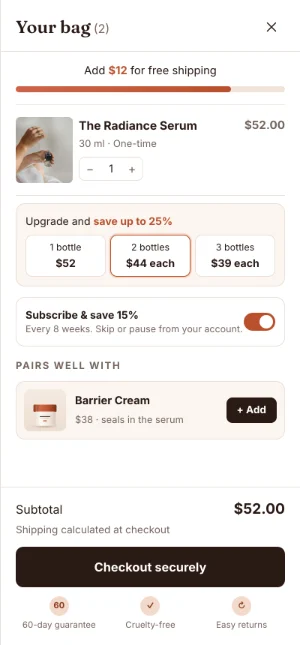
 Radiance Serum$52Shop

 AnalyticsLast 30 daysPain-first pre-sellRoutine angleHeatmapsSession replayUTM attribution

 MayaCreator


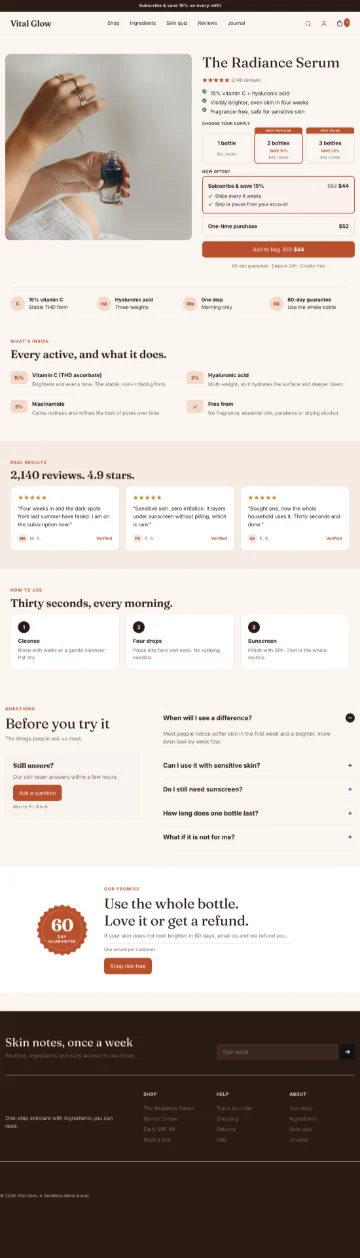
 VVital Glow
 Shop the gift

 KlaviyoMetaGoogleShopify
 ClaudeChatGPTCodex
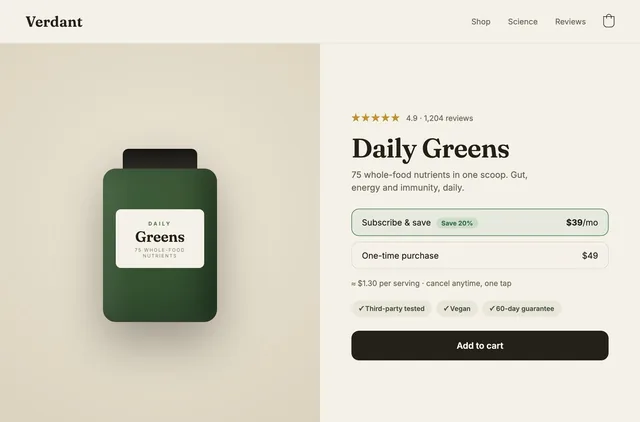
 Waiting for youMorning ritual, variant BAhead on revenue per session and valid to read now.ReviewUp nextTest a quiz before the product page
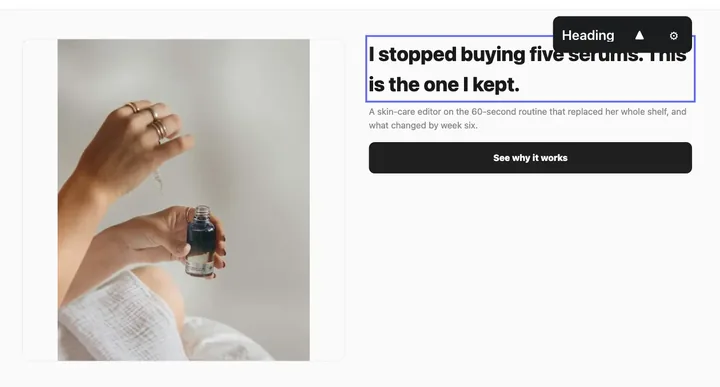 Make the hero shorter on phonesSend
AffiliateOctoberOct 3vital-glow, first month+$63Oct 9lumen-home, month 4+$102Oct 21urban-roast, Managed+$110Nov 10Paid to PayPal$413
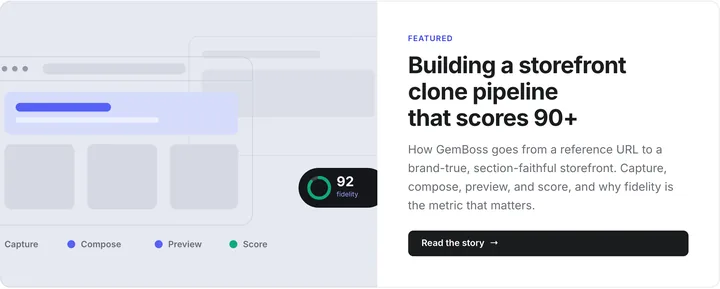

 Runs on your ShopifyNothing auto-publishesKept separate, never sold
OperatorWeek 42 planMonReport and next move sentDoneTueTwo pages for the gift angleApprovedWedTest: a quiz before the product pageRunningFriQA pass on the whole storeUp next
Nine steps in order, with an honest read on which ones decide whether the store earns anything.
Illustrative data.
Steps 2, 4 and 9: your product content, your storefront, and testing the path a stranger takes. The other six are configuration: they must be right, but being right earns nothing.
Plans can change later, so don't linger here. The trial is enough to build in.
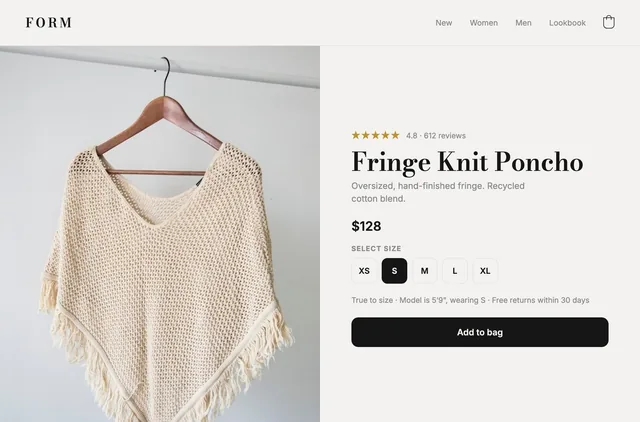
Titles, variants, images, inventory. Variants are tedious; photos must answer the shopper's real question.
Group products the way shoppers think, not your warehouse. Every category one click away.
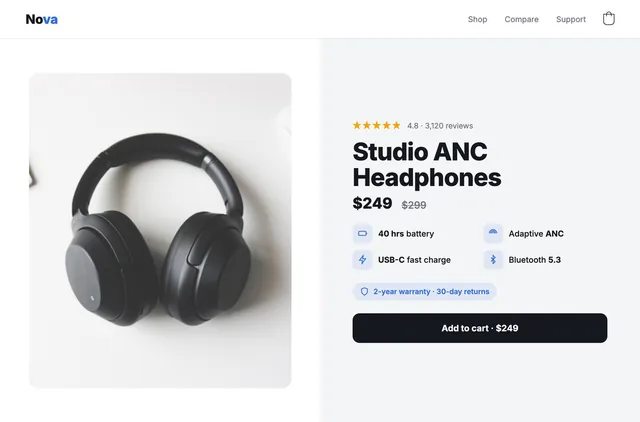
Theme, home, collection and product pages, cart. Weeks vanish here, and it moves conversion most.
An AI store builder collapses this step →Mechanical, but set it early. Surprise shipping at checkout loses orders you had already won.
A myshopify address reads unfinished, and an unverified sending address lands in spam.
Reviews, email and SMS, analytics. Be ruthless: every app slows the page.
Shopify drafts refunds, privacy, terms, shipping and contact. Read them: they answer disputes.
Which hero, which section order, whether the size guide sits above the fold. Setup can't answer that; measuring can.
GemBoss composes the storefront from your brand and catalog, tests it on real shoppers and brings you the change that won. You approve everything.
Why an AI-built store often doesn't convert| Variant | Sessions | Revenue / session |
|---|---|---|
| A. Size guide in a tab | 4,812 | $1.84 |
| B. Above the fold | 4,790 | $2.07 |
Illustrative data.
Broken links, dead images, indexing problems and missing conversion basics. No account needed.
Audit my store →No migration, no re-platforming. Your catalog and checkout stay in Shopify.
See the AI store builderA working store is two to three days of focused work if you already have product photography and copy. The configuration steps are an hour each. The storefront is the one that expands, because it has no obvious finish line: you can always keep adjusting it, and most people do, for weeks.
Products with images and descriptions, a domain, a business bank account for payouts, and a decision about what you are selling to whom. The last one is the only one you cannot buy your way past, and it determines most of the rest.
No. Shopify is built so you do not, and a theme plus the built-in editor gets you a live store. You reach for a developer when you want something the theme cannot express, which is the point at which the store starts costing more than it should to change.
Shopify's own subscription, plus a domain, plus whatever you spend on a theme and apps. The variable cost is the storefront: a premium theme is a one-off, an agency build is thousands, and doing it yourself is time. With GemBoss you build and preview for free, and plans start at $49 a month with a 14-day free trial; Managed, where our team builds and tests for you, starts at $690 a month. See pricing.
Treating launch as the finish. The second most common is installing apps to fix problems that are actually storefront problems, which leaves you with a slow store and the original problem.
Yes, and you should. With GemBoss the changes are staged rather than applied live, so you review a preview before shoppers see it, and every experiment is measured before it becomes permanent.
No. GemBoss ships a headless storefront while Shopify keeps the catalog, cart and checkout, so you get the speed without leaving the platform or re-platforming anything. See headless against Liquid themes for the honest trade-offs.
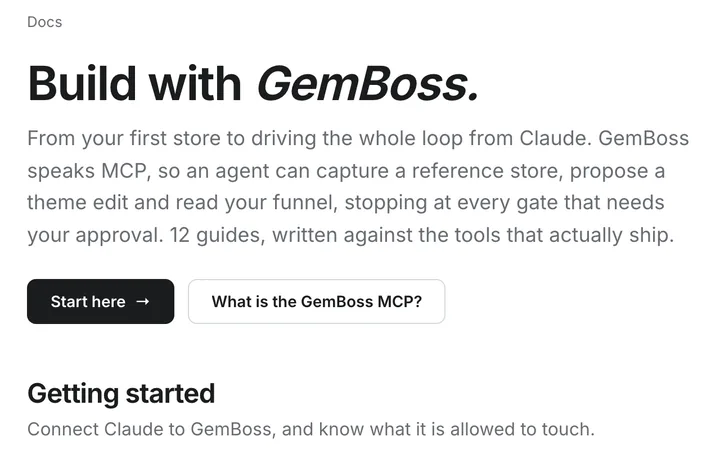
Step 4 is where the weeks go. Point GemBoss at a store you admire, or describe the brand, and see what it builds on your own catalog.