





 Shop the gift


AI Clone a Shopify Store: URL to Live Storefront
Point AI at a site you admire, and get your own brand-true store back. Here is exactly how that works.
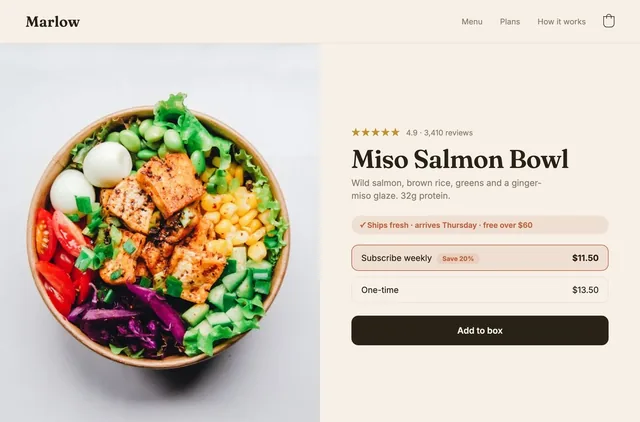
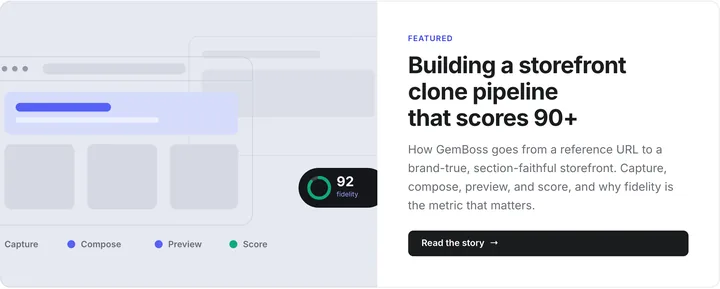
To clone a Shopify store with AI, you give the tool a URL or a brand description, and it reads the site's structure, sections, and voice, then rebuilds a brand-true version you own. GemBoss does this in four steps: point it at a store or describe your brand, connect your Shopify, let it compose the pages, then approve each page before it goes live.
Quick answer
- Cloning here means learning structure and style, not copying content. You get your own text, images, and brand, arranged in a proven layout.
- It works in four steps: point it at a source, connect your Shopify, let it compose the pages, and approve what goes live.
- Nothing is live until you approve it. You preview every composed page and ask for changes before a shopper sees it.
- You ship the result as a fast headless storefront, on your own Shopify, and you own the domain and data.
What does it mean to "clone" a storefront with AI?
Cloning, done right, is not copy-paste. It is learning.
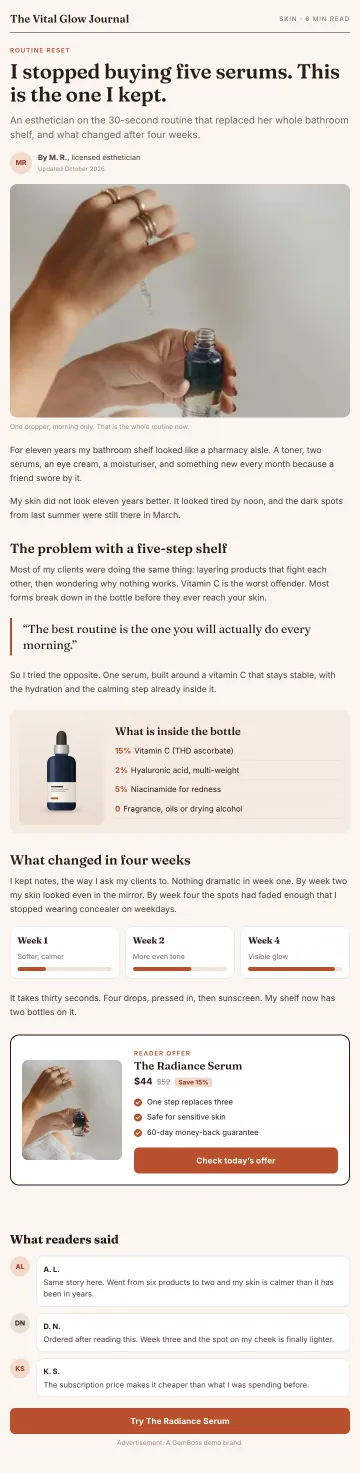
When you point AI at a reference site, the useful signal is not its exact words or photos. It is the structure: which sections appear, in what order, how the hero introduces the product, where social proof sits, how the offer is framed. Good sites converge on patterns that work, and those patterns are what you want to reuse.
So an AI clone should:
- Read the source's layout, section types, and voice.
- Rebuild it with your brand, your products, and your copy.
- Never lift the original's protected content wholesale.
The output is a store that feels professionally designed because it inherits a proven structure, but it is unmistakably yours. Think of it as reverse-engineering the blueprint, not stealing the house.
The four steps
GemBoss runs cloning in four steps. Each one has a clear job, and you approve the result before anything goes live.
Step 1: Point it at a store, or describe your brand
You give GemBoss a starting point, either a URL or a plain-language brand brief.
- If it is a URL (a competitor, an inspiration site, or your own current store), GemBoss reads the page structure, identifies section types, and extracts brand signals like tone and hierarchy.
- If it is a description ("clean, science-backed skincare for sensitive skin, calm and premium"), it turns that into the same structural building blocks.
The result of this step is a structured understanding of what the store should contain and how it should feel. This is the raw material for the rebuild.
Step 2: Connect your Shopify
GemBoss works on the Shopify store you already run. Catalog, checkout, orders, and apps stay in Shopify, so there is no migration, and the rebuild uses your real products.
Step 3: Compose the pages
Now GemBoss builds. It composes the home, collection, product, and landing pages from 60 section types, styled from your brand and filled with your products and voice.
Two things make this different from a template picker:
- It is brand-true, not generic. The layout, colors, and copy reflect the captured brand signals, not a one-size-fits-all theme.
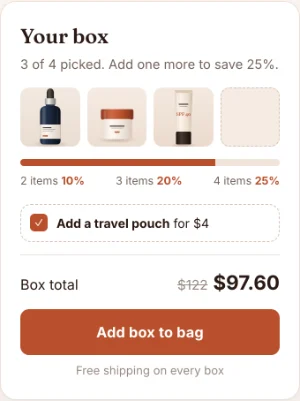
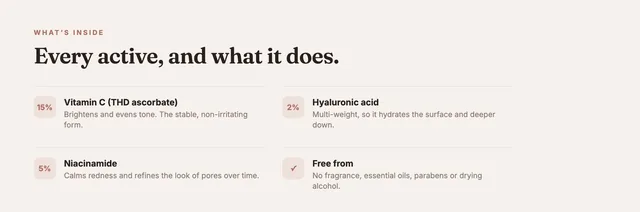
- It is built from real sections. Every page is assembled from a library of 60 section types (buy boxes, ingredient breakdowns, comparison tables, reviews), so you can swap or edit any section before you approve it.
You ship it as a fast headless storefront that runs on your own Shopify. No lock-in.
Step 4: Approve it, then keep testing
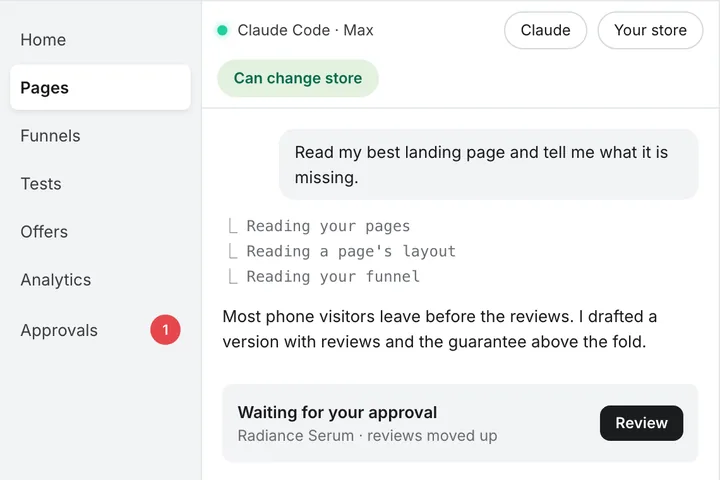
Every composed page is staged for you, and nothing is live until you approve it. Then comes the part most tools skip: launch is the start, not the finish.
After your store is live, GemBoss keeps working: it runs A/B experiments and conversion optimization, with a human approval gate. It proposes a test (say, a different hero or offer layout), you approve, and it measures the result. Over time the store learns what actually lifts revenue.
Every test launch and every winner waits for your approval in the dashboard. Read more in self-driving conversion optimization.
How do you check the rebuild before it ships?
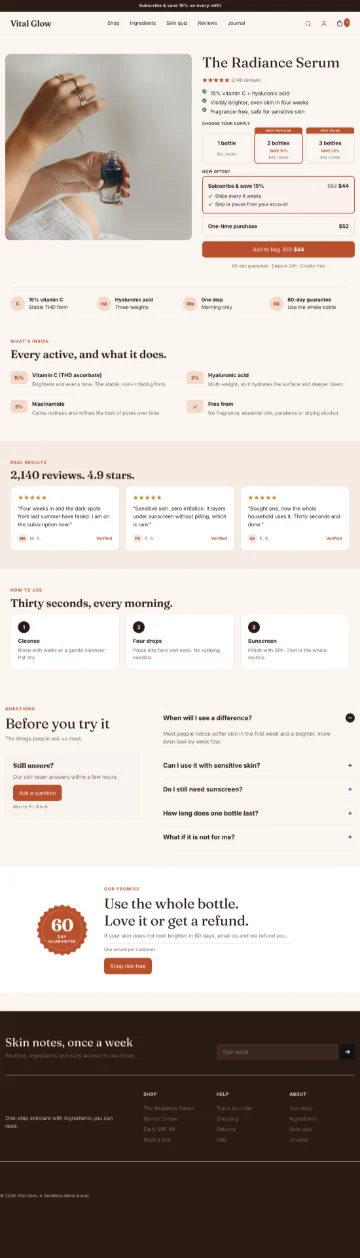
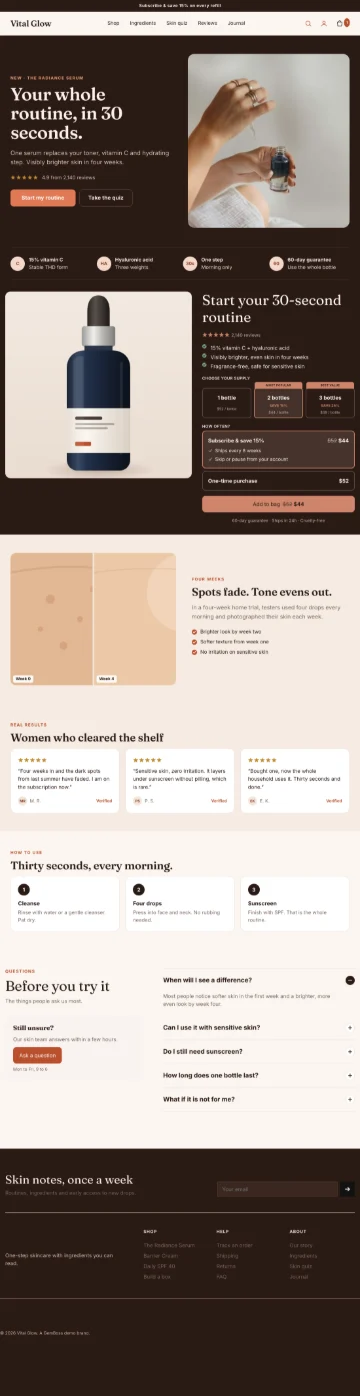
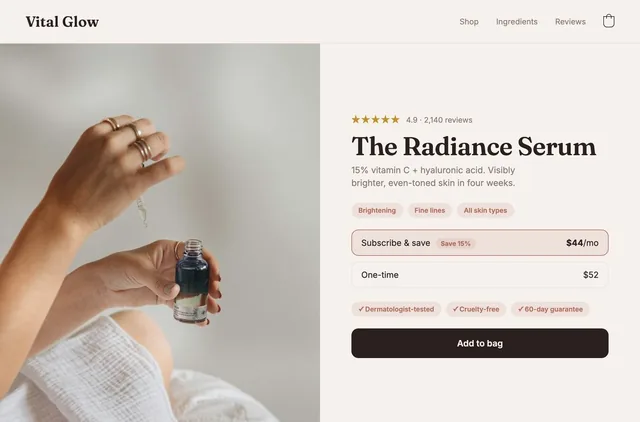
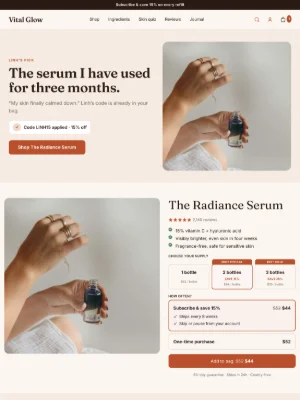
You preview it. Every composed page is staged in GemBoss, so you can compare it with the source you pointed at, and with your own brand, before a shopper sees anything.
What to check in the preview:
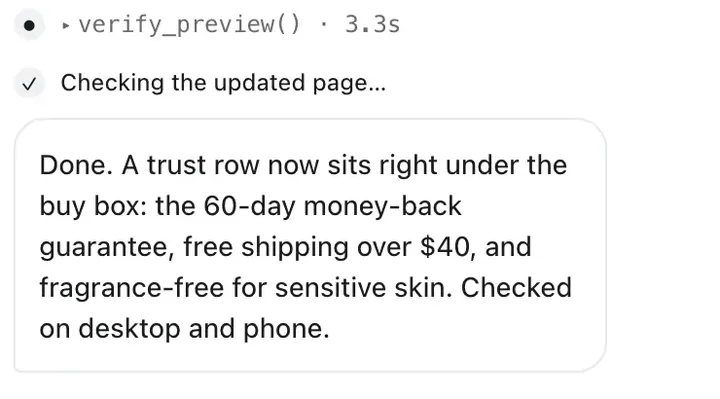
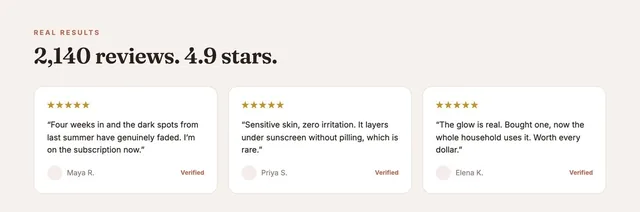
- Drift. Did the rebuild wander off-brand, or drop a section the source relied on, like reviews near the buy box?
- Your facts. Are the products, prices, and claims yours and correct? Anything that must be exact deserves a person's read.
- Mobile speed. Run the page through PageSpeed Insights before launch. A rebuild should not be slower than the store it replaces.
If something is off, ask for a change in the chat beside the page or swap the section, and approve only when it looks right. Building and previewing cost nothing before you pick a plan.
How to clone and rebuild a store, step by step
Here is the practical flow.
- Choose your source. Grab the URL of a store whose structure you admire, or write a two-sentence brand brief. Your own existing store is a valid source too, if you want a faster, cleaner rebuild.
- Point GemBoss at it. It reads structure, sections, and voice.
- Review the composed store. Check the preview page by page. Adjust the brief or swap sections if needed.
- Add your real content. Products, photography, prices, and any specific copy that must be exact.
- Ship your storefront. A fast headless storefront on your own Shopify.
- Go live on your own Shopify. Checkout, orders, and data stay in Shopify. You own the domain.
- Turn on testing. Approve the first experiments, then approve the winners.
Steps 1 to 6 get you a launched store. Step 7 is where GemBoss keeps earning its keep.
Is AI cloning legal and ethical?
Fair question, and the honest answer is: it depends on what you clone.
- Structure and layout patterns are not protectable in the way content is. Learning that a skincare hero usually pairs a product shot with a benefit headline is fine.
- Copy, photography, logos, and brand names belong to their owners. A responsible rebuild uses your content, not theirs.
GemBoss's approach is to capture structure and voice, then rebuild with your brand. Use it to move faster and to hit proven patterns, not to impersonate another company. Point it at your own store, at general inspiration, or at competitors for structural ideas, and fill it with what is genuinely yours.
Who this is for
Cloning and rebuilding is a good fit when:
- You are launching in a proven niche (beauty, wellness and supplements, fashion, home and food) and want a structure that already works.
- You are migrating or refreshing an existing store and want a faster, cleaner rebuild.
- You run campaigns and need brand-true landing pages quickly.
If you are weighing this against other AI tools, see GemBoss vs Shopify Magic and the wider best Shopify AI store builders roundup.
Frequently asked questions
Can AI really clone a website into Shopify?
Yes, if "clone" means learning the source's structure and voice, then rebuilding it as your own store. AI reads layout and section patterns, then composes a brand-true version with your products and copy. It should not copy the original's protected content, and a responsible tool rebuilds rather than duplicates.
Does cloning copy the other brand's content?
No, not when done responsibly. GemBoss captures structure and voice, then rebuilds with your brand, products, and words. Copy, photos, logos, and names stay with their owners. Use cloning for proven layout patterns, not to impersonate another company.
Can I see the store before it goes live?
Yes. Every composed page is staged for your approval, and nothing reaches shoppers until you approve it. Building and previewing cost nothing before you pick a plan.
How long does it take to go from URL to live store?
GemBoss composes the pages for you, so the first draft of the store comes quickly. Adding your real products, photography, and final copy takes as long as gathering those assets. The build itself is fast; your content is the variable.
Where does my store actually run?
On your own Shopify. GemBoss ships your store as a fast headless storefront, but checkout, orders, and customer data stay in Shopify. You own your domain and your data, with no lock-in.
Want to try it on your own URL? Explore the GemBoss product or start a 14-day free trial.
See a store built on your brand
Bring a store you admire or describe your brand. GemBoss composes a brand-true storefront on your Shopify, you approve it, and it keeps testing after launch.
Request a demo →Want this every morning? GemNews puts a Shopify and AI briefing in every new tab, free.