





 Shop the gift

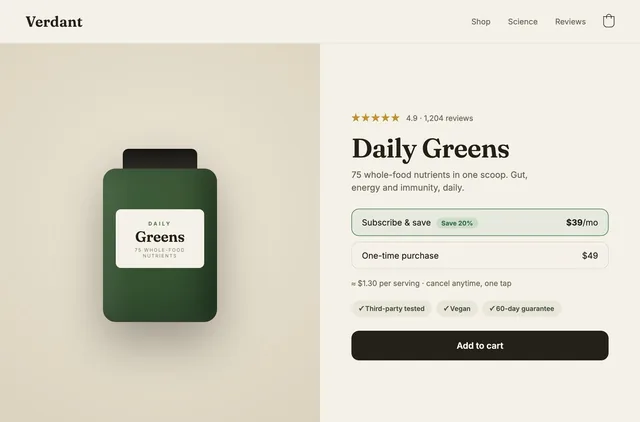
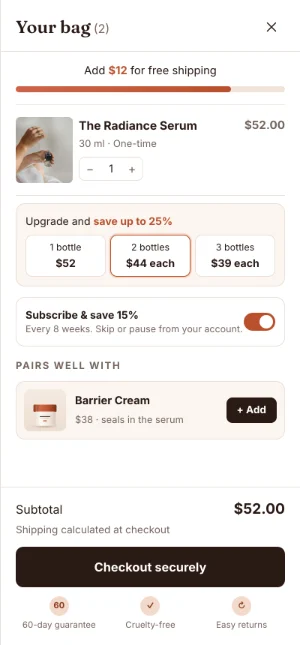
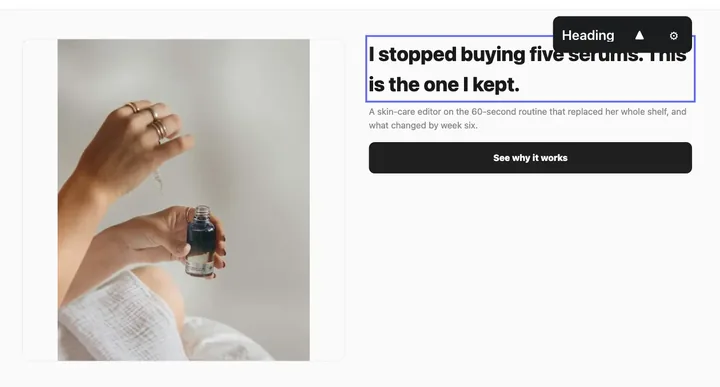
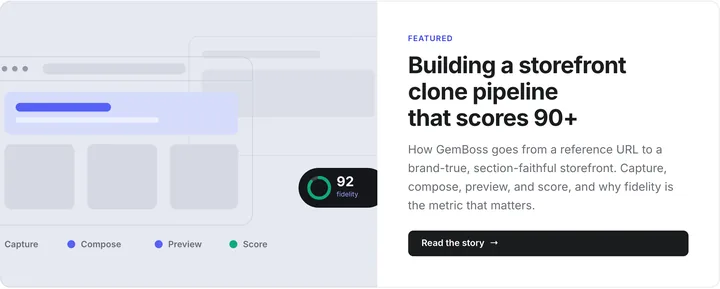
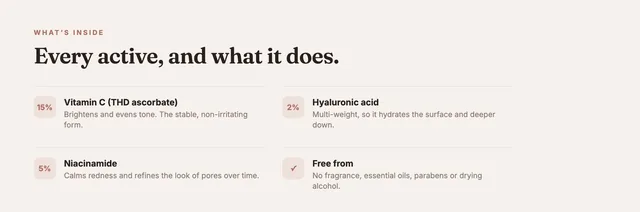
Describe it. Watch the page change. Ship it.
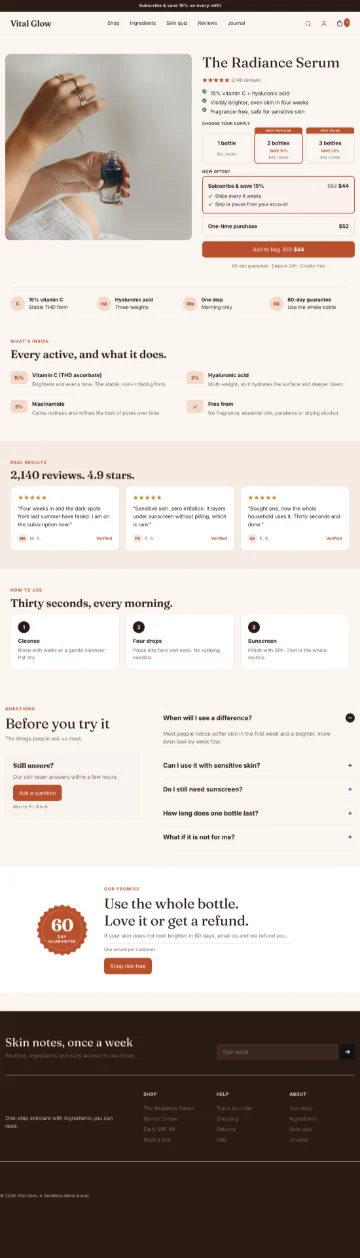
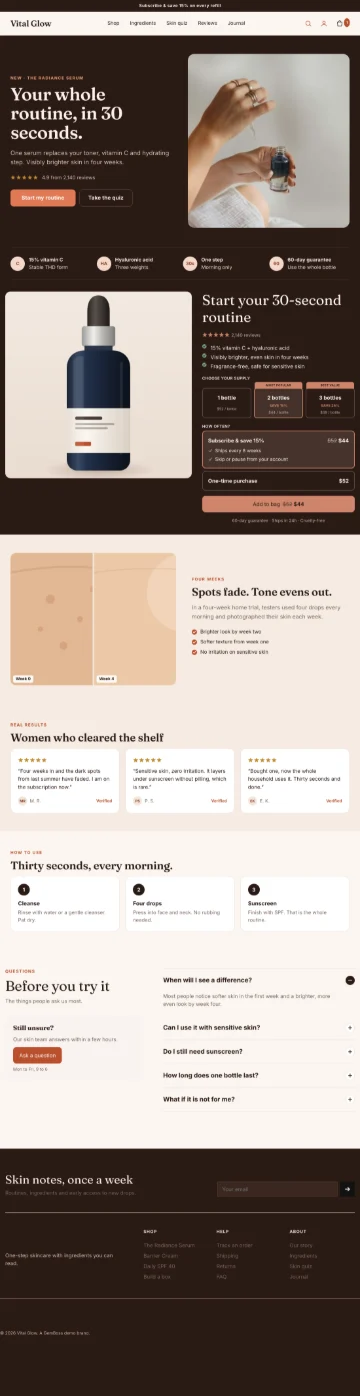
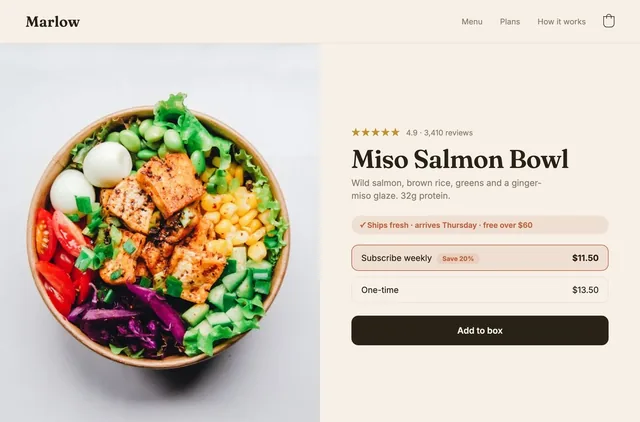
The page builder in GemBoss is a chat beside your live page: ask for a section, a headline or a photo, and watch it change. Nothing reaches shoppers until you press Publish live.
 GemBoss
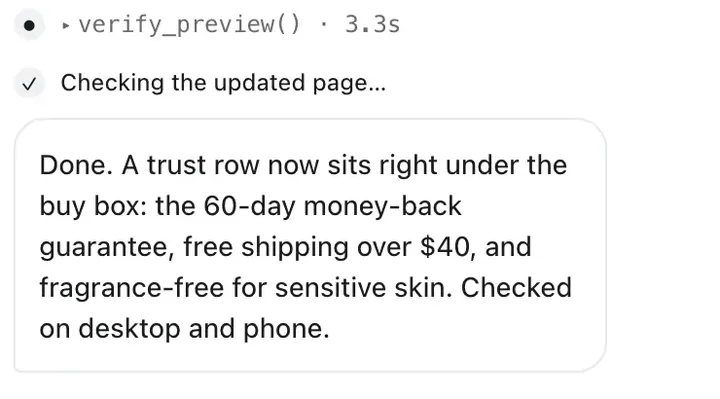
- Found the reviews section
- Moved it under the buy box
- Checked how it looks
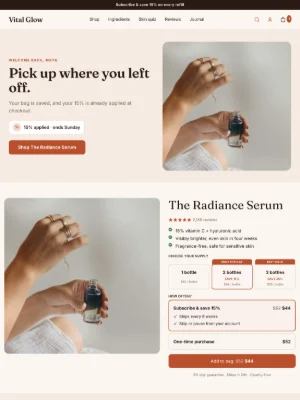
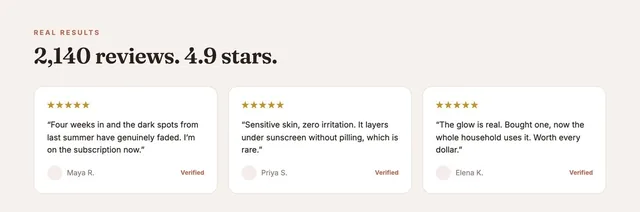
Done. Your 2,140 reviews now sit right under the buy box. Want the ingredients next?
Illustrative store and data.
Ask, watch, publish. You are the one who ships.
- 01
Ask
Type it in plain words, or click a section and ask about that one.
- 02
Watch
It edits the page in front of you and checks how it looks.
- 03
Publish
Changes stay a draft until you press Publish live. Undo any step.
The slow part was never the dragging.
It was deciding what to say, so ask for the outcome and let the builder pick the sections, copy and products.
- Product pages, landing pages, advertorials, listicles and quizzes
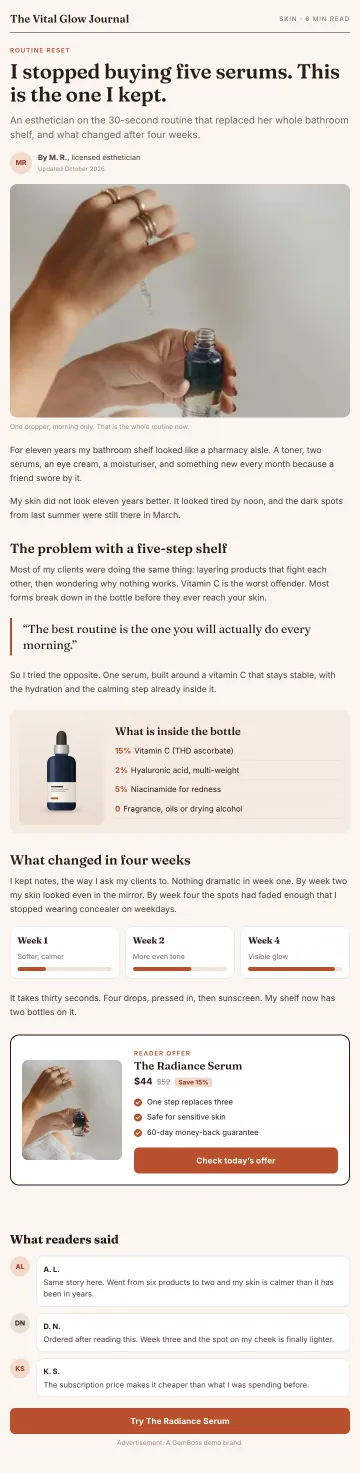
- Start from a description, or from a store you love
- Every section stays editable by hand, down to a custom CSS field
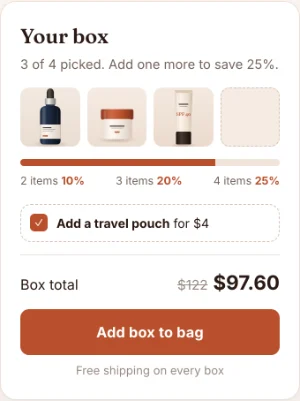
Add a comparison table under the buy box.New section
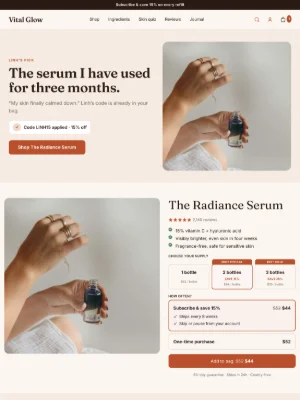
Rewrite the headline for people buying it as a gift.Copy
Use the lifestyle photo in the hero instead.Media
Make the buttons rounder, everywhere.Global style
Build a landing page for the morning ritual angle.New page
Looks like your store. Because it is built from it.
The same 60 section types
Every page uses your storefront's sections and brand settings.
See the sections →Tested on real traffic
Put two versions in an A/B test and promote the winner yourself.
How tests work →From Claude or your own agent
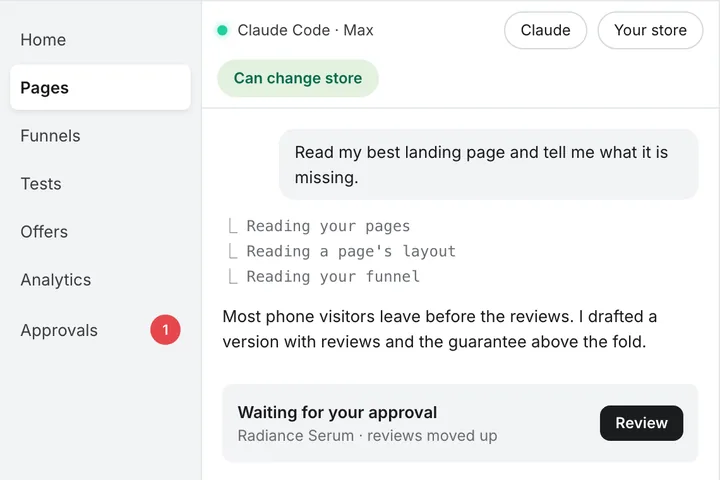
The same builder over MCP, with the same draft and approval on every write.
See MCP →Questions about the page builder
What is an AI page builder?
An AI page builder composes a page from a brief rather than from an empty canvas. You describe the offer, or point it at a reference, and it chooses the sections, writes the copy and places the products. The editor is still there for the corrections you want to make; it is just no longer where the work starts.
How is this different from a drag-and-drop builder?
A drag-and-drop builder speeds up assembly. It does not decide what the page should say, and that is the part that takes the week. GemBoss produces a complete first draft with copy and products in place, so the editing you do is judgement rather than construction.
Can I still edit everything by hand?
Yes. Click any section or element to change its settings, and there is a custom CSS field for anything the settings do not cover.
Does it write the copy too?
It does, in your brand voice, from the same brand profile the rest of the store reads. Copy is where generated pages most often give themselves away, so read it before you publish. Nothing goes live until you press Publish live.
Do the pages stay fast?
They render headless on the gem framework rather than as another app layer on top of a theme. On a live GemBoss store we measured LCP 2.1 s, CLS 0.004 and TTFB 0.05 s (mobile, simulated 4G, median of 8 Lighthouse runs, 10 Oct 2026). See why speed is a conversion input.
Is this GemPages?
No. GemPages is a separate app on the Shopify App Store, from the same team, and it builds pages inside your Shopify theme. The page builder in GemBoss builds the headless pages of your GemBoss funnels and storefront. See the Shopify apps.
What does it cost?
The page builder is part of every GemBoss plan rather than a separate purchase. Plans start at $49 a month, with a 14-day free trial. See pricing.
Worth reading next: Shopify page builders ranked by use case, GemPages against PageFly and how the copy stays in your voice.

Describe your next page.
Start free. GemBoss builds it on your brand and leaves it as a draft for your OK.