








 Shop the gift




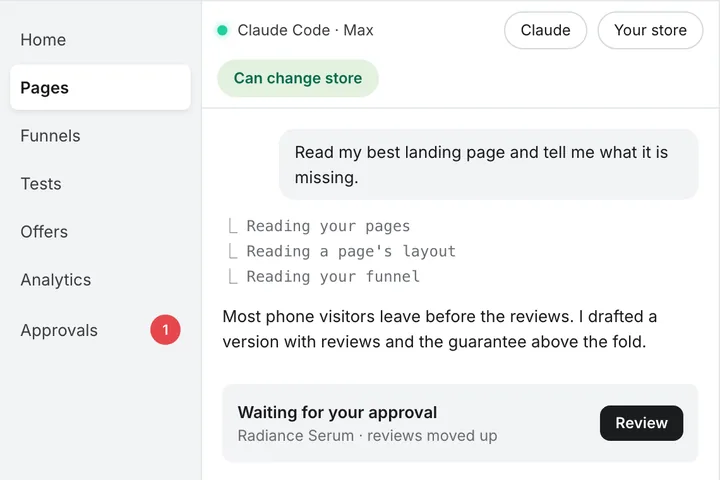
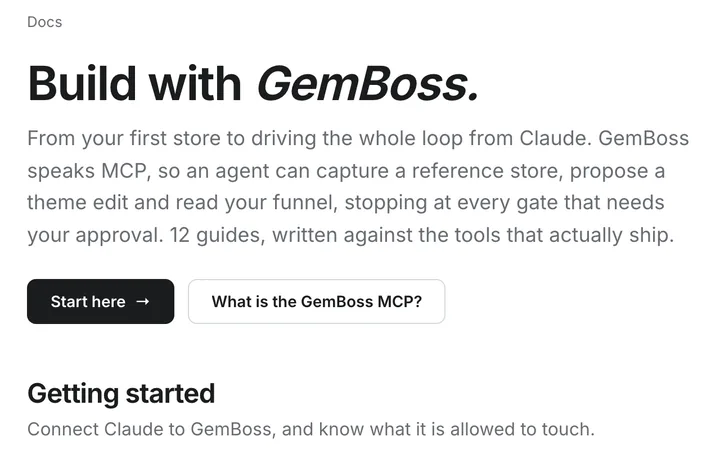
Your store, driven from Claude. Every write waits for you.
GemBoss speaks MCP, the Model Context Protocol. Connect Claude Desktop, Claude Code or your own agent once, and it can build pages, set up tests and offers, and read your funnel. Anything that would change your store is staged for a person to approve.
No key to request. You sign in and tick the stores it may touch.
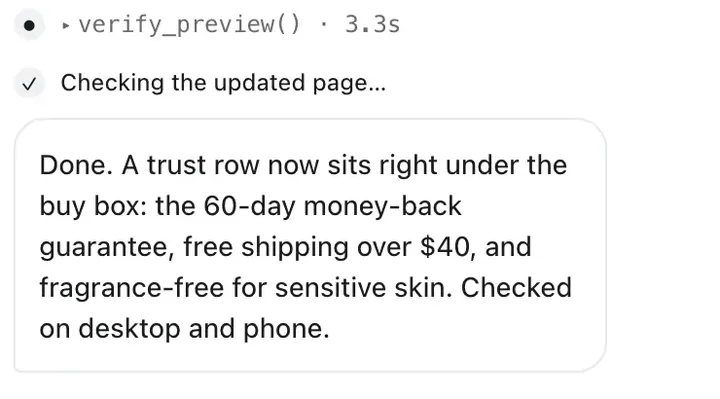
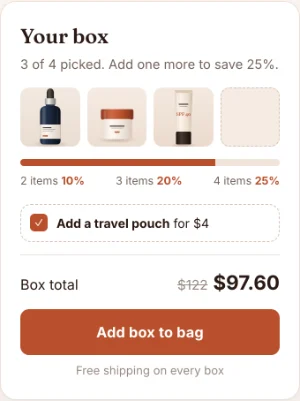
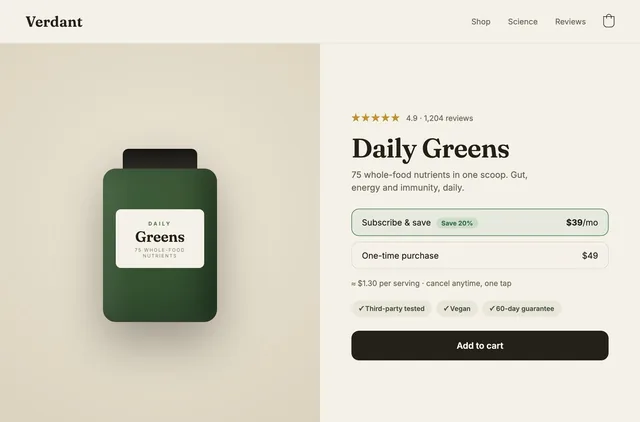
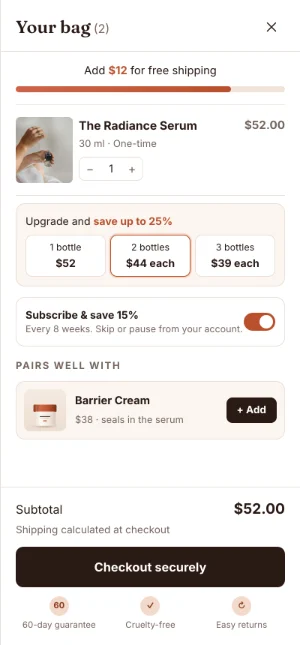
ClaudeMost mobile shoppers leave before they reach the reviews, which sit under a long description. I drafted one change: reviews move above the description. Nothing is live. It is waiting for you in GemBoss.
Illustrative session.
One connection. The same engine you use in the app.
Ask for the job, not the clicks. Claude calls GemBoss directly, and you are only shown the tools your account may actually call.
Build and change
Capture a reference store, plan and propose page changes, build offers and advertorial funnels, set up tests.
Clone a reference store →Measure
15 read-only analytics tools: the funnel, segments, devices, channels, campaign profit and ranked conversion ideas.
Diagnose conversion →Stay in control
Every tool carries a risk level, and the gate that stops a write is enforced by the server, not by the prompt.
What Claude can change →Read. Draft. Approve. The server holds the line.
The worst case of a long session is a pile of drafts you throw away.
- Read
Answers a question
Digests, plans, previews and analytics. Nothing is written to Shopify.
- Draft
Creates work, safely parked
A proposed change, offer or funnel, parked inside GemBoss. Your store is unchanged.
- Approval
A person decides
A person records the decision. A key cannot approve its own change.
Scoped per storeThe credential carries the stores you ticked. Any other store is refused.
Analytics is read-only by constructionIts tools sit on a separate server with a read scope.
Three steps. No key to request.
- 01
Add the server
One command in Claude Code, or paste the same URL as a custom connector in Claude Desktop. Any agent that speaks MCP can use it too.
- 02
Sign in and pick your stores
Claude opens the GemBoss sign-in, then a consent screen. Tick the stores it may act on. Pages and analytics come to around 60 tools; the build tools add around 50 more if you ask for them.
- 03
Run something read-only
Ask for a capture digest. If one comes back you are connected, and you changed nothing to find out.
# Claude Code
claude mcp add --transport http gemboss https://mcp.gemboss.ai/mcp

# Claude Desktop: Settings, Connectors, Add custom connector
https://mcp.gemboss.ai/mcp

# Codex: add it, then sign in
codex mcp add gemboss --url https://mcp.gemboss.ai/mcp
codex mcp login gemboss

# then a read-only check
Use the GemBoss MCP server. Run a capture digest for https://example.com. Do not approve or publish anything.

Point Claude at your store.
Add the server, sign in, tick the stores it may touch. Start with something read-only, and approve the first change when you are ready.